
13 Time-Saving Tech Hacks That Can Help You Maximise Your Week
A wave of small tweaks is helping people win back hours in their weekly schedule.
You probably know that sinking feeling on a Monday morning when the to-do list looks impossible to finish. Finding small ways to claw back minutes in your day can eventually save you hours by Friday. You do not need to be a computer genius to set up these simple tricks on your phone or laptop.
Most of us let our devices control us rather than the other way around, but a few settings changes can flip the script. These practical tips are easy to implement and will help you complete your work faster, allowing you to enjoy your weekend. Here is how you can reclaim your schedule using the technology you already own.
Master The Art Of Text Expansion

You likely type the same phrases dozens of times a day, such as your email address or a Zoom link. Text expansion software allows you to create short abbreviations that instantly unfurl into full sentences or paragraphs. This saves you from the boredom of repetitive typing and ensures you never make a typo in essential details.
Setting this up takes only a few minutes, but the payoff is immediate and noticeable. You can assign a short code, such as “eml”, to automatically paste your full email address into any form. It feels like magic the first time you use it, and you will wonder how you ever lived without it.
Batch Your Email Processing

Constantly checking your inbox is one of the biggest killers of focus in the modern workplace. Harvard Business Review cites a McKinsey Global Institute analysis that found that the average employee spends 28% of their workweek just reading and responding to email. That is a massive chunk of time that you could use for actual deep work or creative projects.
Try closing your email tab and only opening it at three specific times during the day. Responding to messages in designated chunks helps you stay in a productive flow state for longer periods. You will clear your inbox faster when you are in the right mindset rather than reacting to every ping.
Embrace Voice Dictation Tools

Typing out long documents or messages on a small smartphone screen is slow and often frustrating. A study from Stanford University revealed that speech recognition is three times faster than typing on a smartphone. You can draft emails, notes, or even entire articles while walking the dog or making coffee.
Most modern phones have incredibly accurate dictation features built right into the keyboard. Simply tap the microphone icon and start speaking your thoughts to see them appear on the screen. You might feel silly talking to your phone at first, but the speed advantage is undeniable.
Block Distracting Websites
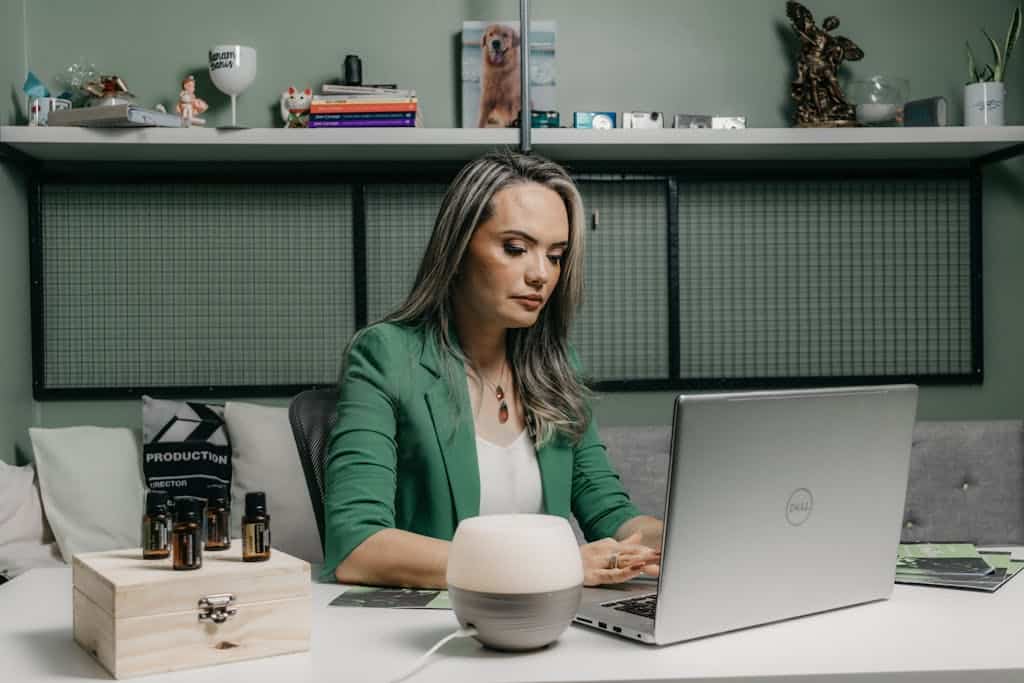
It is far too easy to lose twenty minutes scrolling through social media when you meant to take a quick break. Research from the University of California, Irvine shows that it takes an average of 23 minutes to refocus on a task after a distraction. Those quick checks of your feed are costing you much more time than you realize.
Use a website blocker to restrict access to your favorite time-wasting sites during work hours. These tools act as a digital fence, keeping you focused on your important tasks until the work is done. You will be surprised at how much faster you finish when the option to procrastinate is removed.
Utilize The Pomodoro Technique

This classic method involves working for twenty-five minutes and then taking a five-minute break. Digital timers and apps can automate this process for you, keeping you honest about your rest periods. It prevents burnout by ensuring you step away from the screen regularly throughout the day.
Many people find that the ticking clock creates a positive sense of urgency, sharpening their focus. Knowing a break is coming soon makes it easier to push through difficult or boring tasks. You can find free web-based timers that require zero installation to get started.
Centralize Your Cloud Storage

Scattered files across different devices can lead to a frantic search when you need a document quickly. Cottrill Research cites IDC data stating that knowledge workers spend roughly 2.5 hours per day searching for information. That is time you effectively pay to waste, but getting organized can stop the bleeding.
Pick one cloud service and move absolutely every file you own into that single ecosystem. Having a single source of truth means you can search one location to find anything you need in seconds. You can access your work from your phone or a borrowed laptop without interruption.
Learn Essential Keyboard Shortcuts

Reaching for the mouse every few seconds slows you down more than you might think. Memorizing just a few key combinations can speed up your workflow and reduce the strain on your wrist. Simple commands for switching tabs or closing windows become muscle memory very quickly.
Start by learning the shortcuts for the three programs you use most often during your day. You will feel like a power user once you can navigate your computer without ever touching your trackpad. It makes the physical act of working feel much smoother and less disjointed.
Automate Password Management

Forgetting a login can stop your momentum cold and force you into a tedious reset process. A password manager securely stores all your credentials and fills them in with a single click. You will never have to waste time guessing your high school mascot or your first pet’s name again.
This also enhances your security, as you can generate complex, random passwords for every site. You only need to remember one master password to unlock access to your entire digital life. It removes a significant layer of mental friction from your daily internet usage.
Prioritize Single Tasking

You may think doing two things at once makes you efficient, but science suggests otherwise. The American Psychological Association reports that multitasking and switching between tasks can reduce productivity by as much as 40%. Your brain needs to reset every time you flip between a spreadsheet and a conference call.
Commit to completing one task before proceeding to the following item on your list. You will produce higher-quality work and actually finish your day with more energy left over. It requires discipline, but the results are worth the effort.
Audit Your Notifications

The constant buzzing and dinging from your phone creates a state of permanent partial attention. According to Asana, knowledge workers spend 60% of their day on coordination and work about work. Excessive notifications contribute heavily to this feeling of chaotic, reactive busyness.
Go into your settings and ruthlessly turn off alerts for any app that does not require immediate action. You should decide when to check an app rather than letting the app demand your attention. This simple change puts you back in the driver’s seat of your own day.
Use Smart Speaker Routines
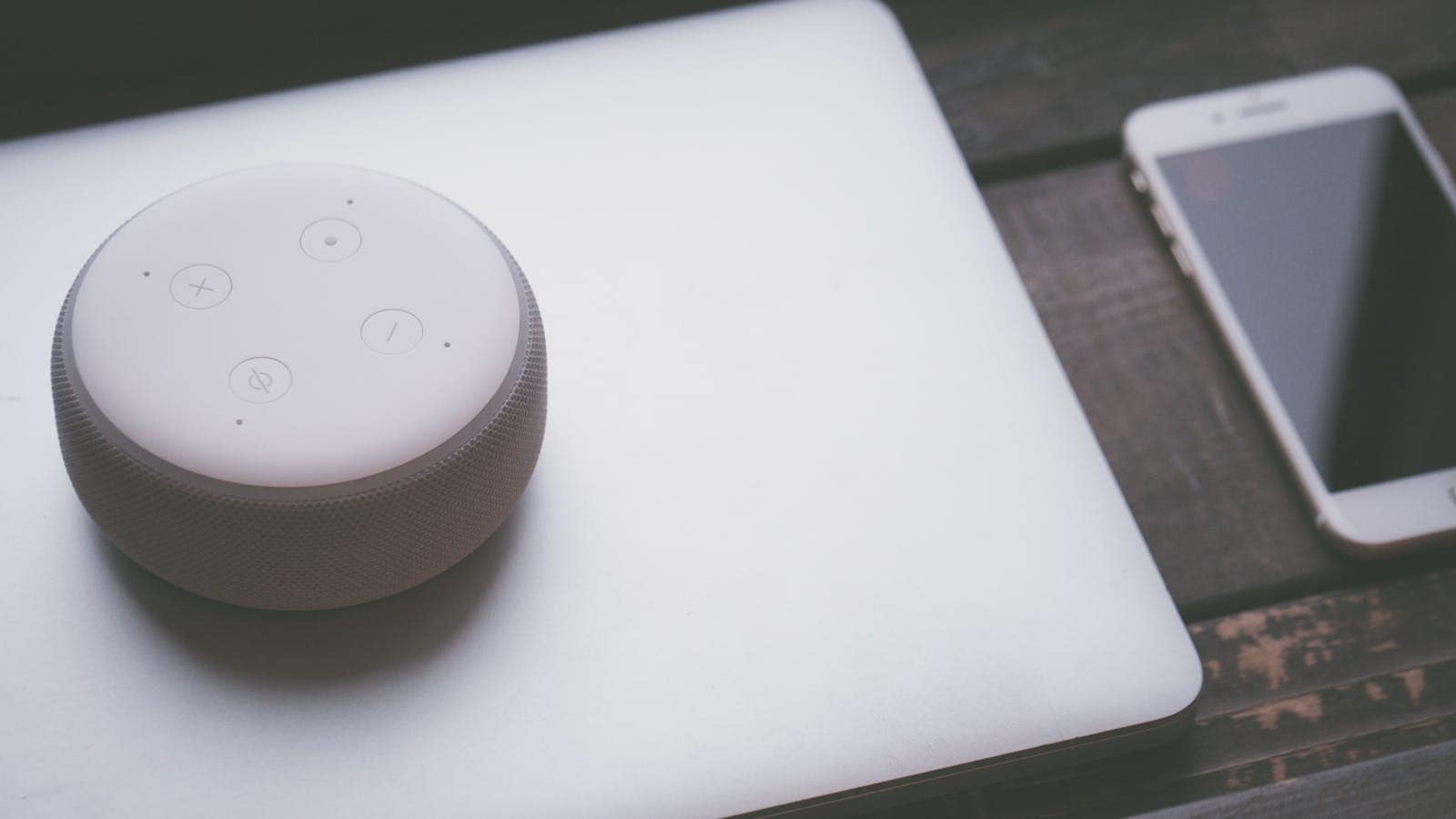
Your smart home device can do more than play music or tell you the weather forecast. You can program routines that trigger multiple actions with a single phrase, such as “start my day.” Imagine your lights turning on and your calendar reading out your appointments while you brush your teeth.
These small automations save you from fiddling with your phone first thing in the morning. Starting your day without looking at a screen can help you maintain a clearer head. It is a hands-free way to get organized before you even sit down at your desk.
Adopt Read Later Apps

You may come across interesting articles during the day that can distract you from your work when you stop to read them. Apps like Pocket or Instapaper allow you to save these items for a dedicated reading time. You can capture the value of the content without letting it hijack your current focus.
This habit separates the act of discovery from the act of consumption. You can enjoy your reading list on the weekend or during your commute when you actually have free time. It keeps your browser tabs clean and your mind focused on the task at hand.
Schedule Meetings With Tools

The back-and-forth email tag to find a meeting time is a frustrating waste of energy. Scheduling tools allow you to send a link where others can select a time that works for them. It eliminates time zone confusion and double-booked slots instantly.
You can set parameters so people can only book you during specific blocks of time. This protects your deep work sessions and ensures your calendar does not become a chaotic mess. It is a professional way to manage your time while remaining accessible to others.
15 Things Women Only Do With the Men They Love

The 15 Things Women Only Do With the Men They Love
Love is a complex, beautiful emotion that inspires profound behaviors. We express our love in various ways, some universal, while others are unique to each individual. Among these expressions, there are specific actions women often reserve for the men they deeply love.
This piece explores 15 unique gestures women make when they’re in love. From tiny, almost invisible actions to grand declarations, each tells a story of deep affection and unwavering commitment.