12 common scams targeting bank accounts and how to spot the red flags
Scammers no longer need to break into a bank vault. Just one text, a fake fraud alert, or a small mistake can let them access your money.
In 2025, the FBI’s Internet Crime Complaint Center received over one million complaints, with losses from cybercrimes reaching almost $21 billion. People aged 60 and older filed more than 201,000 complaints and lost about $7.7 billion, showing how hard scams can hit older adults.
You still have an important advantage. Most bank scams show warning signs, such as pressure, secrecy, odd payment requests, or asking for information that real banks would never ask for.
Here are 12 common bank account scams and the red flags that can help you stop them.
Phishing emails that steal your banking login
Phishing often starts with an email that looks almost real. The message may copy your bank’s logo, mention a “suspicious login,” and urge you to click before your account closes.
Scammers want you to act fast, before you check the sender’s address or open your banking app. Have you noticed they often give you a five-minute deadline? It feels like every financial emergency comes with a countdown.
Watch for these red flags:
- A threat to freeze your account immediately
- A sender address with extra letters or an unfamiliar domain
- A link outside your bank’s official website
- A request for your password, PIN, or full account number
According to the Consumer Financial Protection Bureau, banks and credit unions do not ask you to verify account information through an unsolicited email or text. Contact your bank through its official app, website, statement, or the number printed on your card.
Smishing texts that imitate fraud alerts

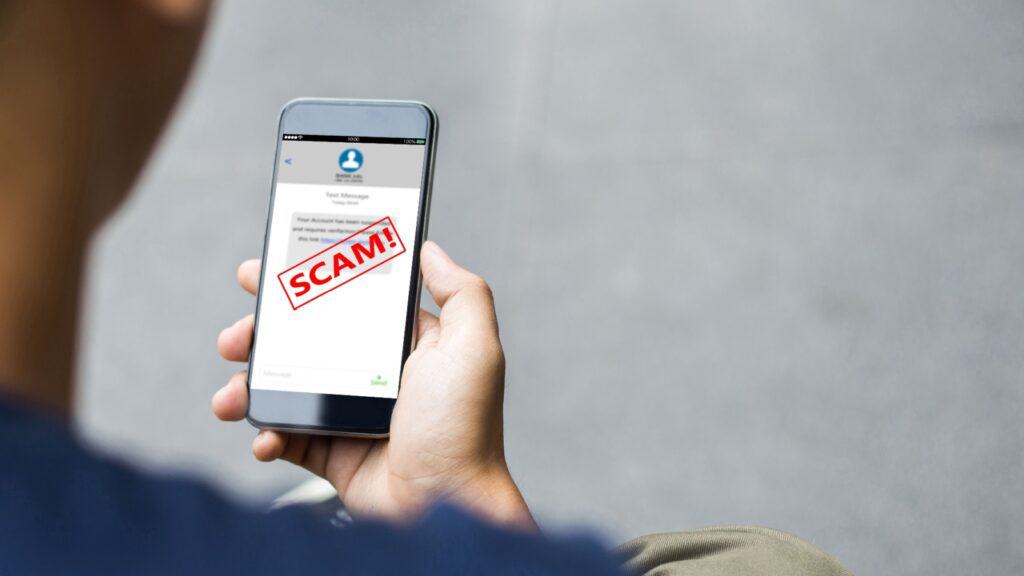
Smishing uses text messages instead of email, but the trick stays familiar: “Did you authorize this $742 purchase? Reply NO now.”
You reply, click, or call, and the criminal sends you to a fake banking page or poses as a fraud specialist. They may already know your name or bank, which makes the message feel more believable.
Federal Trade Commission reported losses from text scams reached $470 million in 2024, more than five times the 2020 total. Fake fraud alerts ranked among the leading text-scam formats.
Treat these signs as alarms:
- The message creates a five-minute emergency.
- The link uses a shortened or unfamiliar address.
- The sender asks for an OTP, password, or PIN.
- The text tells you not to contact anyone else.
Remember, your real banking app is the safest way to check your account. Open it yourself instead of clicking a link that uses lots of punctuation and tries to create panic.
Vishing calls and AI voice impersonation

A caller claims someone hacked your account. They know your name, bank, phone number, and perhaps part of your address. Scammers often buy or steal personal data before they contact you.
AI voice tools make scams more convincing. Criminals use cloned voices and realistic audio to pretend to be officials, executives, relatives, or trusted contacts, according to the Internet Crime Complaint Center. The FBI warns that synthetic voices can sound almost exactly like real people.
End the call when the person:
- Refuses to let you call the bank back
- Asks for a verification code
- Tells you to transfer money to a “safe account”
- Demands secrecy or immediate action
Hang up, look up the official number, and call the bank yourself. A real bank employee will understand, but a scammer will try hard to keep you on the phone.
Credential-stuffing and account takeover
Criminals collect usernames and passwords from data breaches, then use automated tools to test those combinations across banking sites.
Reusing the same password creates an opening for scammers. If a shopping account gets hacked, it can put your email, payment apps, and online banking at risk too.
The FBI recorded about 5,100 account-takeover complaints and $262 million in reported losses in 2025.
Look out for:
- Failed login alerts you did not trigger
- A password reset you did not request
- A notice about a new device or changed email address
- A sudden account lockout
- Transfers or payees you do not recognize
Use a unique password for your bank, turn on multi-factor authentication, and secure your email account. If your email controls many password resets, it makes it a master key criminals want.
Card-not-present fraud and digital-wallet theft

A thief does not need your physical debit card. They only need enough card information to shop online, add the card to a digital wallet, or test it across merchants.
That mystery: A strange $1.17 charge might seem like a small banking error, a forgotten subscription, or a temporary hold. But it could mean someone has your card information and is getting ready to spend more.
Red flags include:
- Small charges followed by larger purchases
- Transactions in unusual countries or currencies
- Several purchases in a short period
- A notice that someone added your card to a new wallet
- Online orders that do not match your spending habits
Turn on instant transaction alerts and make sure to read them. If you see a charge you do not recognize, contact your bank right away, even if the amount is small.
Authorized payment scams and business email compromise

Some scammers never steal your password. They persuade you to send the money yourself.
A criminal may impersonate your landlord, contractor, closing agent, boss, or supplier and announce new payment instructions. They may spoof an address or compromise a real email account.
The Federal Trade Commission reported that consumers lost nearly $1 billion to business impersonators in 2025, with bank impersonation scams causing the highest reported losses in that category.
Pause when you see:
- A sudden request to change bank details
- An urgent wire to a new beneficiary
- A message that says, “Do not call”
- Slight changes in the sender’s address
- New instructions before a large payment
Do not reply to the suspicious email. Instead, contact the company through a trusted phone number, official app, or website that you find independently.
Money-mule recruitment

A stranger offers you easy money for receiving payments and forwarding them elsewhere. They may call it payment processing, international transfers, payroll support, crypto work, or a remote assistant role.
The FBI warns that legitimate employers do not ask workers to use personal bank accounts to transfer company money. Money mules can face financial liability, damaged credit, closed accounts, and criminal consequences.
Walk away when someone asks you to:
- Open an account for a vague job.
- Receive money from strangers.
- Keep a percentage and forward the rest.
- Convert incoming funds into cryptocurrency.
- Send payments to several unrelated people.
Scammers often target job seekers, students, social media users, and people on dating sites. Real opportunities do not need your checking account as a middleman. If someone asks, it is a clear warning sign.
QR-code scams and banking malware
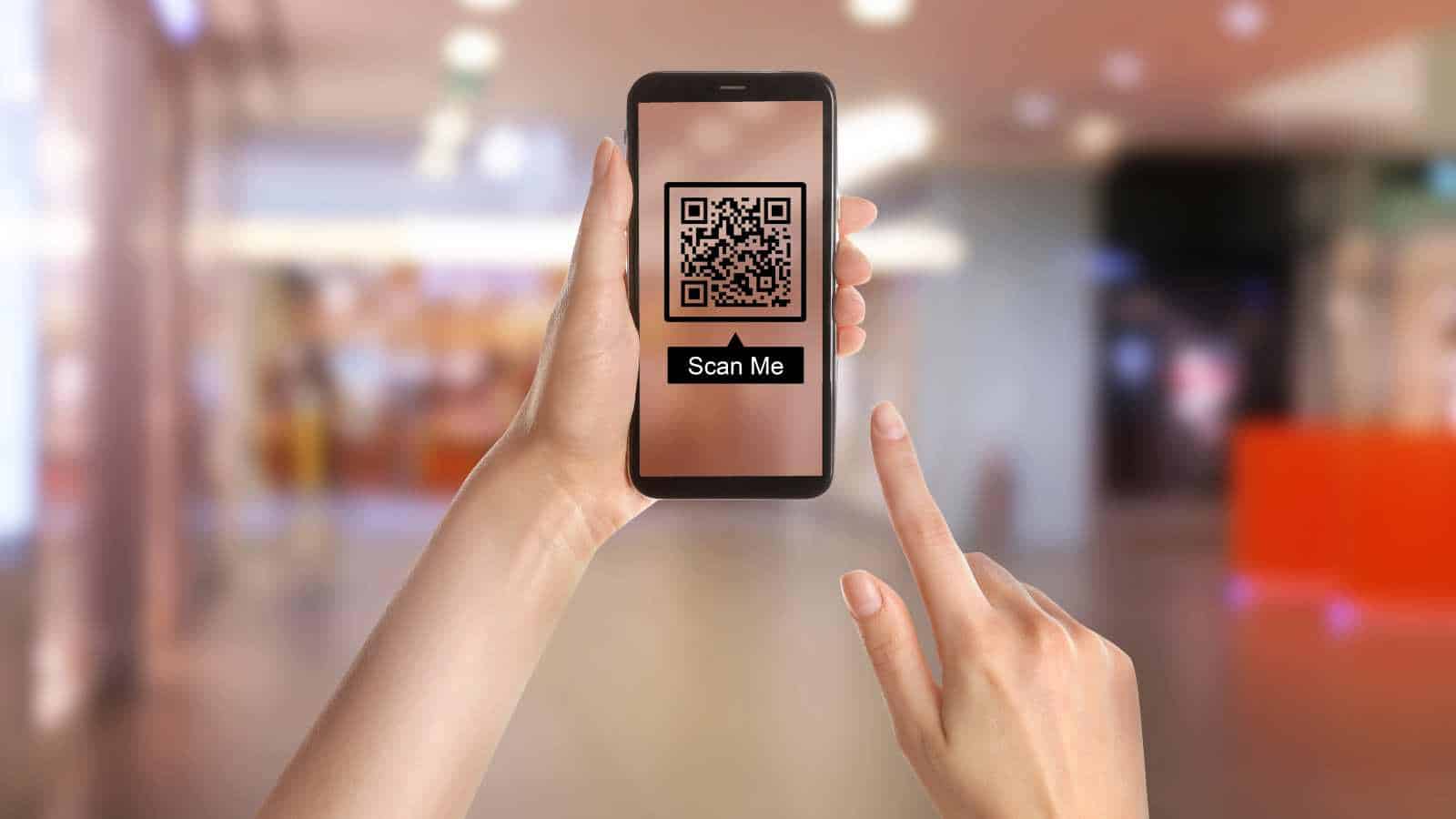
Scammers place malicious QR codes over legitimate ones or send codes through unexpected messages.
A fake code may open a convincing login page, download malware, or capture the information you enter. The FTC has warned about codes that claim you must confirm an account, reschedule a package, or fix suspicious activity.
Check for:
- A sticker placed over the original QR code
- An unexpected code in a text or email
- A page that asks for banking credentials
- A prompt to install an app or browser extension
- A misspelled web address after scanning
Check the web address before you open it. If a message mentions your bank, close the page and use your bank’s official app instead. Also, keep your phone and security software updated. Updates fix problems that criminals might use to install malware or take over your accounts.
ATM skimming and card cloning

Skimmers steal data from your card’s magnetic stripe. Criminals may pair a skimmer with a fake keypad or hidden camera that captures your PIN.
Before you insert your card, check the machine. Tug gently on the card slot, examine the keypad, and compare the ATM with nearby machines. A loose, bulky, or mismatched part deserves suspicion. The Federal Deposit Insurance Corporation advises consumers to watch for altered card readers and protect the keypad while entering a PIN.
Choose ATMs:
- Inside bank branches or well-lit locations
- Without loose, crooked, or mismatched parts
- Away from people offering unsolicited “help”
- With contactless or cardless options when available
Cover your hand when you enter your PIN. If anything about the ATM looks unusual, do not use it. Find another machine and let the bank or business know about the problem.
Fake checks, check washing, and remote-deposit traps
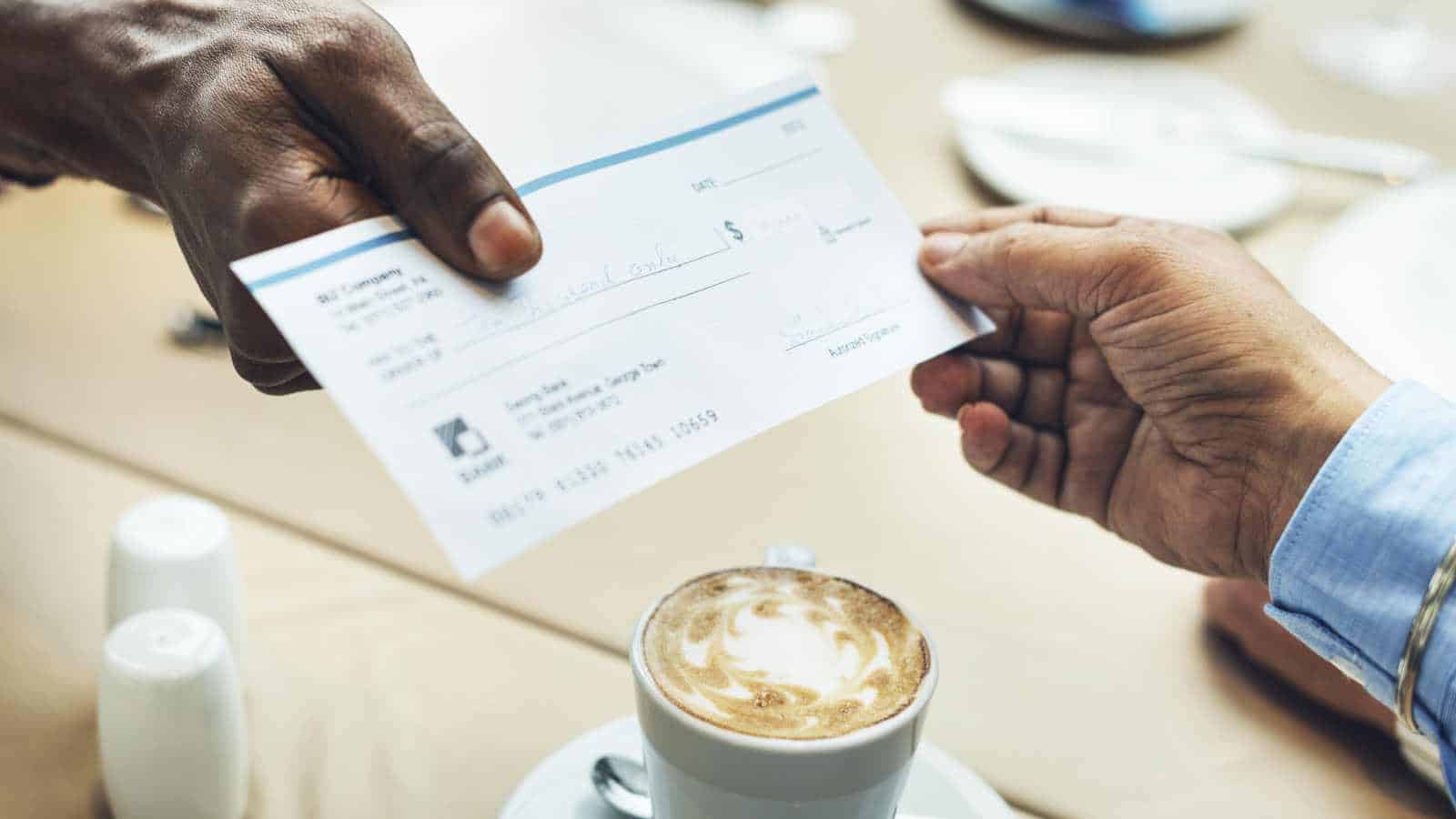
A scammer sends you a check, tells you to deposit it, and asks you to return part of the money. Your banking app may show the funds quickly, so you assume the check cleared.
Banks often make deposited funds available before they finish verifying a check. When the bank discovers the fraud, it removes the money, and you may owe everything you sent.
Red flags include:
- A check for more than the agreed amount
- Instructions to buy gift cards or cryptocurrency
- A remote employer who sends money for “equipment”
- Pressure to forward funds immediately
- Altered payee names or check amounts
Never send money from a deposited check to someone you do not know. Remember, just because the funds show up in your account does not mean the check is legitimate.
One-time-password and 2FA bypass scams
Multi-factor authentication can block criminals who know your password. That obstacle explains why scammers ask you to hand them the second key.
No legitimate caller needs the code you receive for your login. The FTC says anyone who asks for your account verification code is a scammer.
Watch for:
- Repeated login-approval prompts
- A caller asking you to read a code aloud
- A request to approve a push notification
- A message that says the code will “reverse” fraud
Reject any login requests you did not start. Change your password and contact the bank using a trusted method. Do not approve a notification just to clear it. Scammers may send lots of prompts, hoping you will tap by mistake.
Investment, loan, refund, and tech-support scams
This broad category targets whatever worries you most: debt, income, taxes, investments, or a mysterious computer problem.
A fake lender may promise guaranteed approval but demand an upfront fee. A fake adviser may show imaginary profits and push you to deposit more. A fake refund agent may ask you to share your screen while you log in to online banking.
Investment fraud produced the largest category of reported internet-crime losses in 2025. The FBI’s Internet Crime Report shows cyber-enabled crimes defrauded Americans of nearly $21 billion,
Spot the pattern:
- Guaranteed profits or guaranteed loan approval
- Upfront fees through wire, gift card, or cryptocurrency
- Requests for remote access to your phone or computer
- Pressure to keep the opportunity secret
- A “refund” that requires you to move money first
Legitimate lenders explain their fees clearly. Real investment professionals acknowledge risk. Genuine companies do not need to watch you log in to your bank account.
Key Takeaways

Most bank account scams rely on the same basic tricks: urgency, fear, secrecy, and pressure. A scammer may pretend to represent your bank, employer, a government agency, or a trusted company. When someone pushes you to act immediately, share a security code, click an unfamiliar link, or move money to a “safe account,” stop and verify the request independently.
You can protect yourself by using strong, unique passwords, enabling multi-factor authentication, checking your account regularly, and turning on transaction alerts. Pay attention to small unfamiliar charges, unexpected login attempts, new payees, and password-reset messages. A tiny suspicious transaction can serve as a test before criminals attempt a much larger withdrawal.
When you spot suspicious activity, contact your bank through its official app, website, or the number printed on your card. Never reply to the suspicious message or use the contact details it provides. Act quickly, save all evidence, change compromised passwords, and report the scam, because a few careful minutes can prevent a costly financial loss.
Disclaimer – This list is solely the author’s opinion based on research and publicly available information. It is not intended to be professional advice.
Like our content? Be sure to follow us