
What Finally Pushes People Away From Certain PCs? 13 Frustrations Users Keep Running Into
At first, it’s tolerable: a sluggish startup here, a loud fan there. But over time, these moments stack into a deeper question: Can I rely on this device when it actually matters?
The breaking point isn’t always the biggest issue. Studies have found that roughly 50% of Windows users have experienced unexpected restarts during updates, small disruptions that become far more costly when they happen at the wrong moment.
Once trust is gone, every minor inconvenience feels like confirmation rather than exception. And at that point, switching stops feeling like a hassle and becomes a relief.
Bloatware and unwanted software

Unboxing a sleek, $1,200 machine only to find it pre-cluttered with trial versions of antivirus programs and candy-crushing puzzles you never asked for is every purchaser’s nightmare.
Microsoft reported that Signature PCs started up 40% faster, shut down 35% faster, and had 28% more battery life than non-Signature counterparts.
Despite this, many brands continue the practice because it subsidizes the hardware cost. However, the modern user is losing patience. When your “Start” menu looks like a billboard for subscription services, the premium feel of the hardware evaporates instantly.
If a company values a $5 kickback from a software partner more than your user experience, you start looking for the exit.
Planned obsolescence through non-upgradable parts
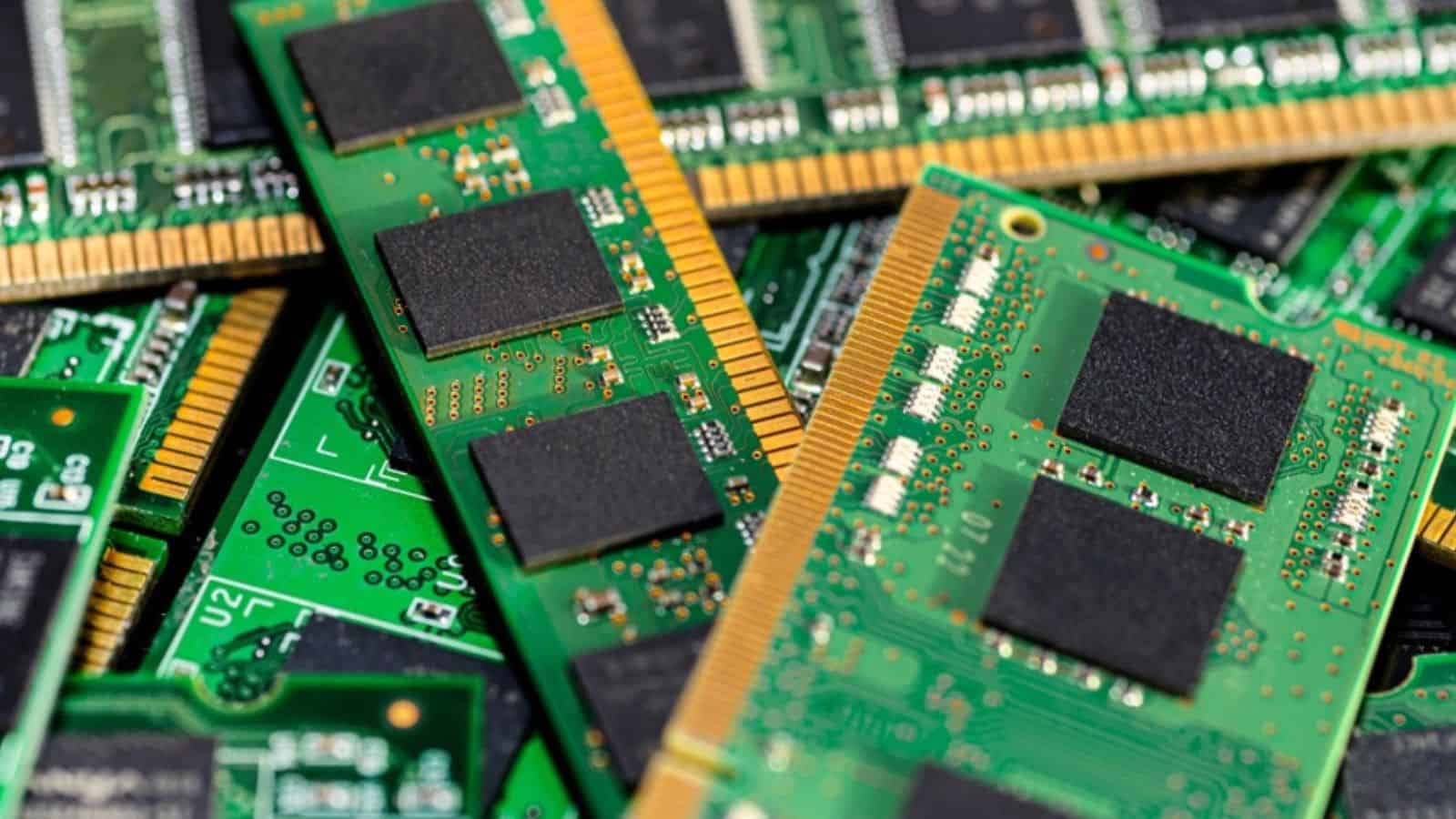
The era of the forever PC is under siege by soldered components. In the past, if your computer felt sluggish, you could pop in another stick of RAM for $50. Today, many manufacturers solder the RAM and storage directly onto the motherboard.
This means if a single memory chip fails or you simply need more space, the entire machine is effectively a paperweight. This has led to a massive spike in e-waste.
The world generated over 62 million tonnes of electronic waste in 2022, a figure that rose five times faster than documented recycling, according to Global E-waste Monitor data.
It’s a frustrating cycle where the consumer is forced to buy a new $1,000 laptop rather than a $100 upgrade. This is where users switch to brands that prioritize repairability.
The noise of cooling fans

There is a specific type of irritation that arises when a laptop sounds like a jet engine while you are simply trying to write a basic email. Thermal throttling is a reality of modern thin-and-light designs, but the execution is often clumsy.
When a PC reaches high temperatures, the system slows the processor to protect itself: this is called throttling. In their comprehensive reviews of high-end laptops (like the Razer Blade or ASUS ROG Zephyrus series), Hardware Unboxed frequently uses the Cinebench R23 Loop test. This test runs a heavy workload for 10 to 30 minutes to see how performance “decays” as heat builds.
In several reviews, they have documented that once a laptop reaches its thermal limit (often 95°C–100°C), the CPU’s power draw (wattage) is slashed to prevent damage. This results in a 20% to 25% drop in performance compared to the first, cold run.
You paid for a high-speed processor, but you only get to use it in short bursts before the hairdryer starts screaming. This lack of thermal efficiency is a silent dealbreaker for many creatives and gamers.
Fragile hinges and poor build quality
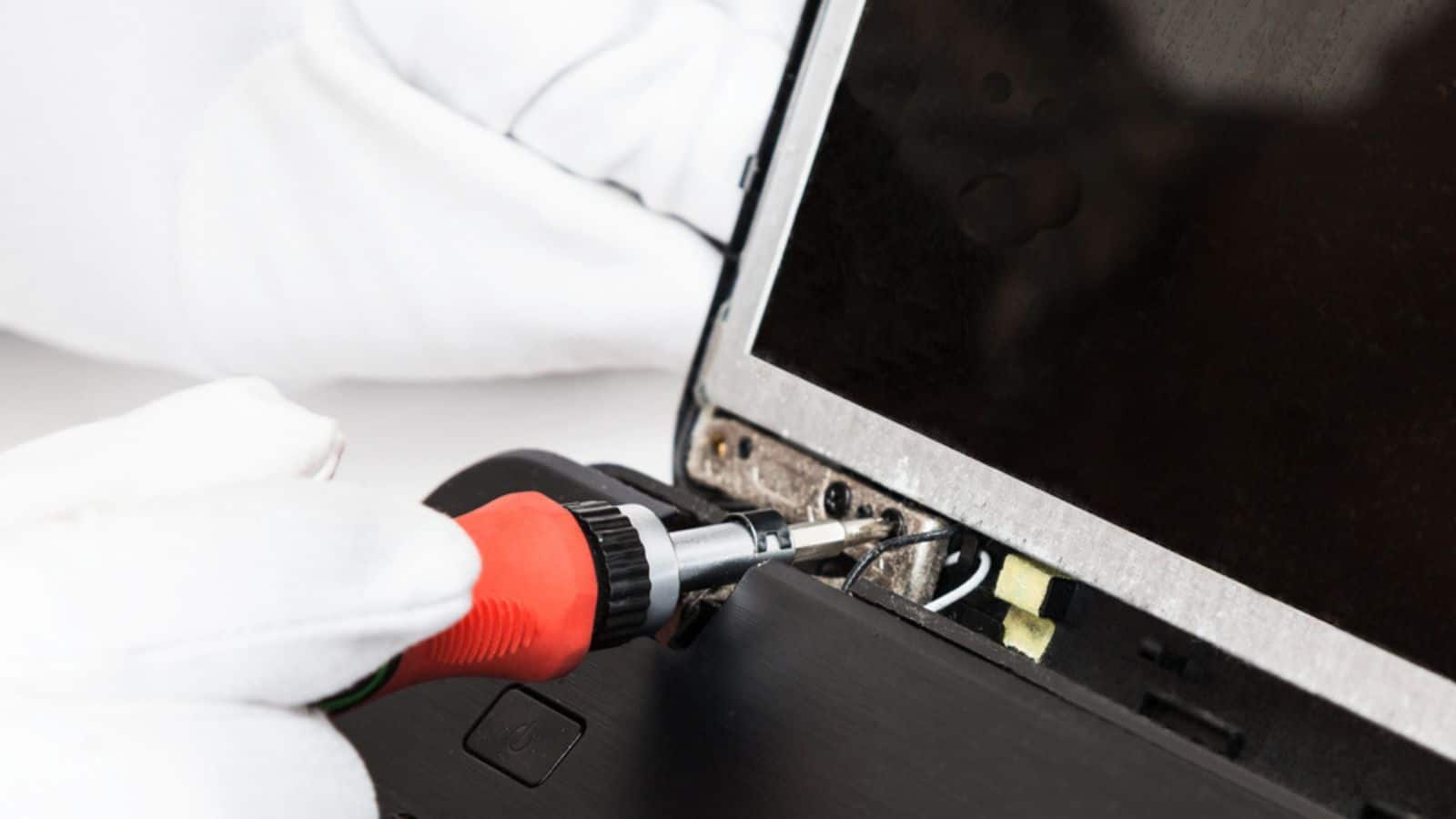
A laptop is, by definition, a moving part. The hinge is the most frequent point of mechanical failure, yet it is often the most overlooked. It is not uncommon to see premium plastic laptops developing cracks near the screen base after just eighteen months.
Manufacturers often anchor high-torque metal hinges into thin plastic frames using tiny brass inserts (knurled nuts). The physical surface area of these mounting points is insufficient to handle the rotational force required to open a 15-inch screen.
When a user can’t even close their device without hearing an ominous “crack,” the brand loyalty vanishes. It’s a physical reminder that the company prioritized aesthetics or cost-cutting over the structural integrity required for daily life.
Aggressive and intrusive OS updates
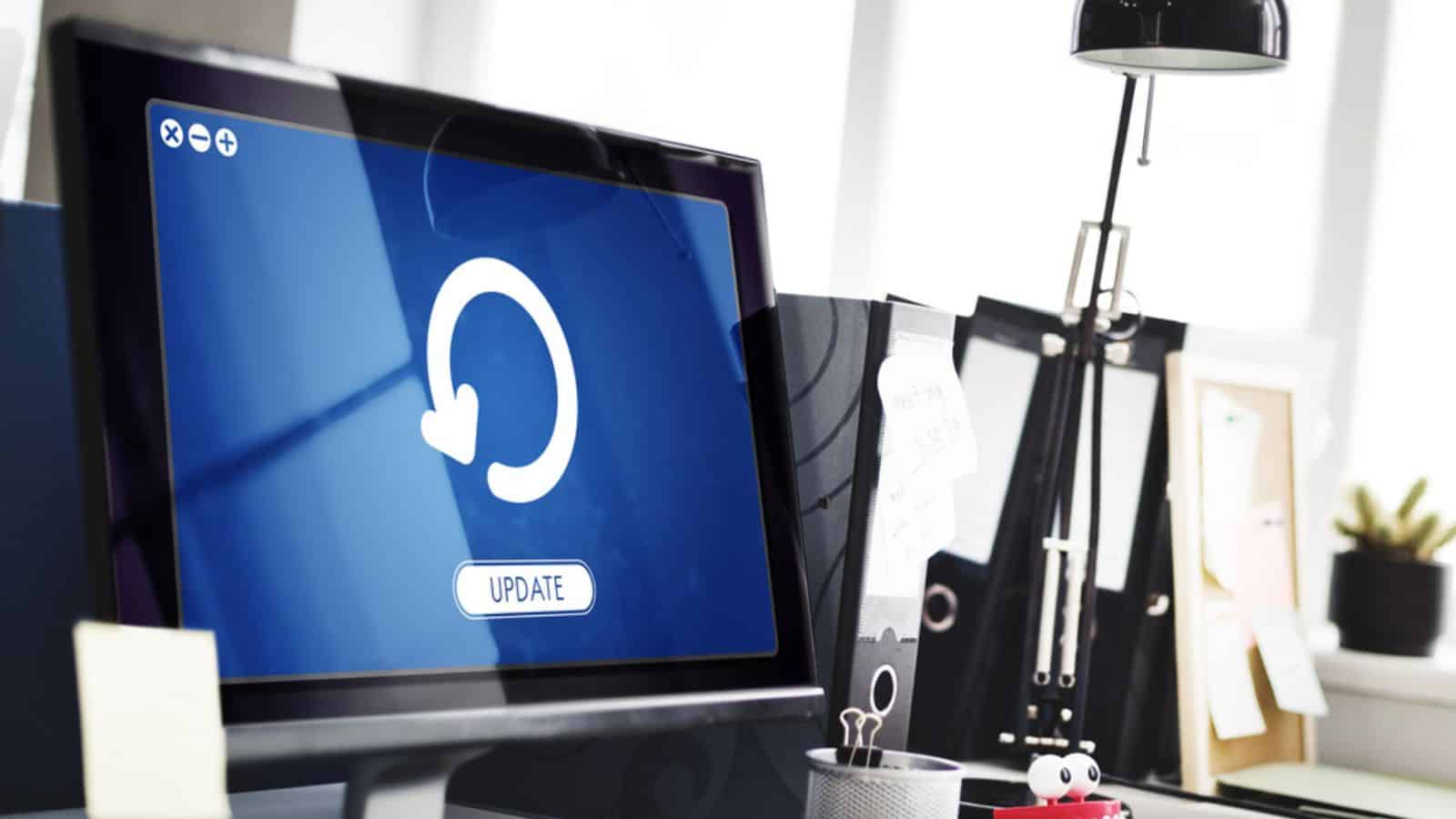
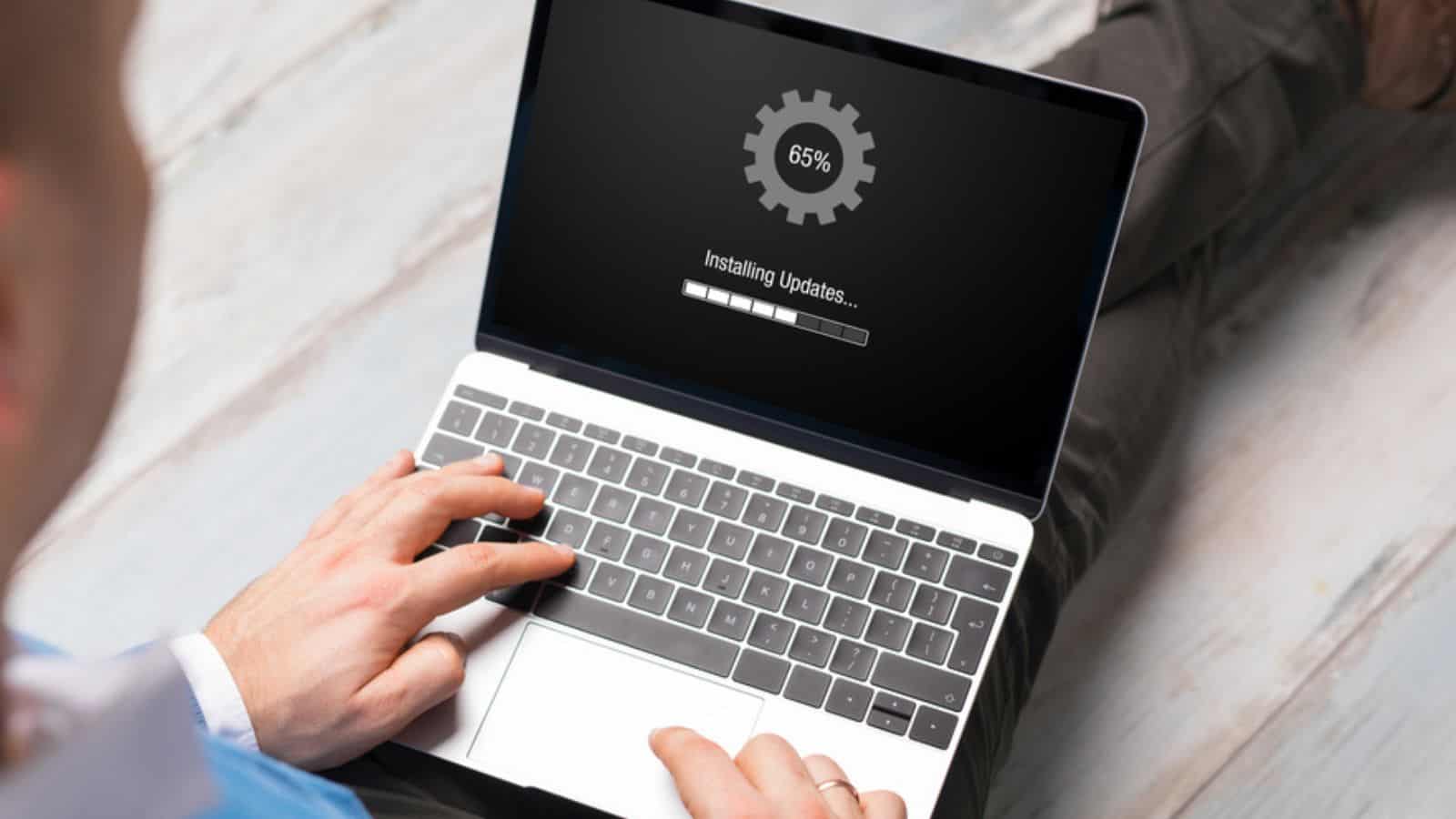
Nothing kills productivity like the “Update and Restart” screen appearing in the middle of a deadline. While security patches are vital, the lack of user agency over these updates is a major friction point.
Researchers Jason Morris, Ingolf Becker, and Simon Parkin from University College London conducted an in-depth survey of Windows 10 Home users to reconcile the official update process with the actual human experience. The study revealed that 50% of participants had experienced their computers restarting unexpectedly during an update. Furthermore, approximately half of the users reported a growing sense of anxiety or concern the longer an update took to complete, fearing for the state of their device.
The frustration is compounded when an update inadvertently breaks existing drivers or changes the user interface without consent.
Being locked out of their own tool for thirty minutes at 9:00 AM feels less like security and more like an unwanted takeover.
Battery life that doesn’t match the box

The “up to 15 hours” claim on the sticker is rarely achieved in the real world. Most manufacturers test battery life under artificial conditions: low brightness, no Wi-Fi, and a single video on loop.
Laptop Mag’s Editor-in-Chief, Sherri L. Smith, has noted that once a user begins mixed-use tasks like Chrome browsing or Slack, the power draw spikes significantly, causing the advertised numbers to collapse. When a user expects to get through a workday but finds themselves hunting for a wall outlet by 2:00 PM, the disappointment is profound.
People would prefer a realistic 8-hour rating over a fictional 15-hour one. This gap between marketing and reality is a primary reason users migrate toward platforms known for more consistent power efficiency.
Proprietary chargers and dongle hell
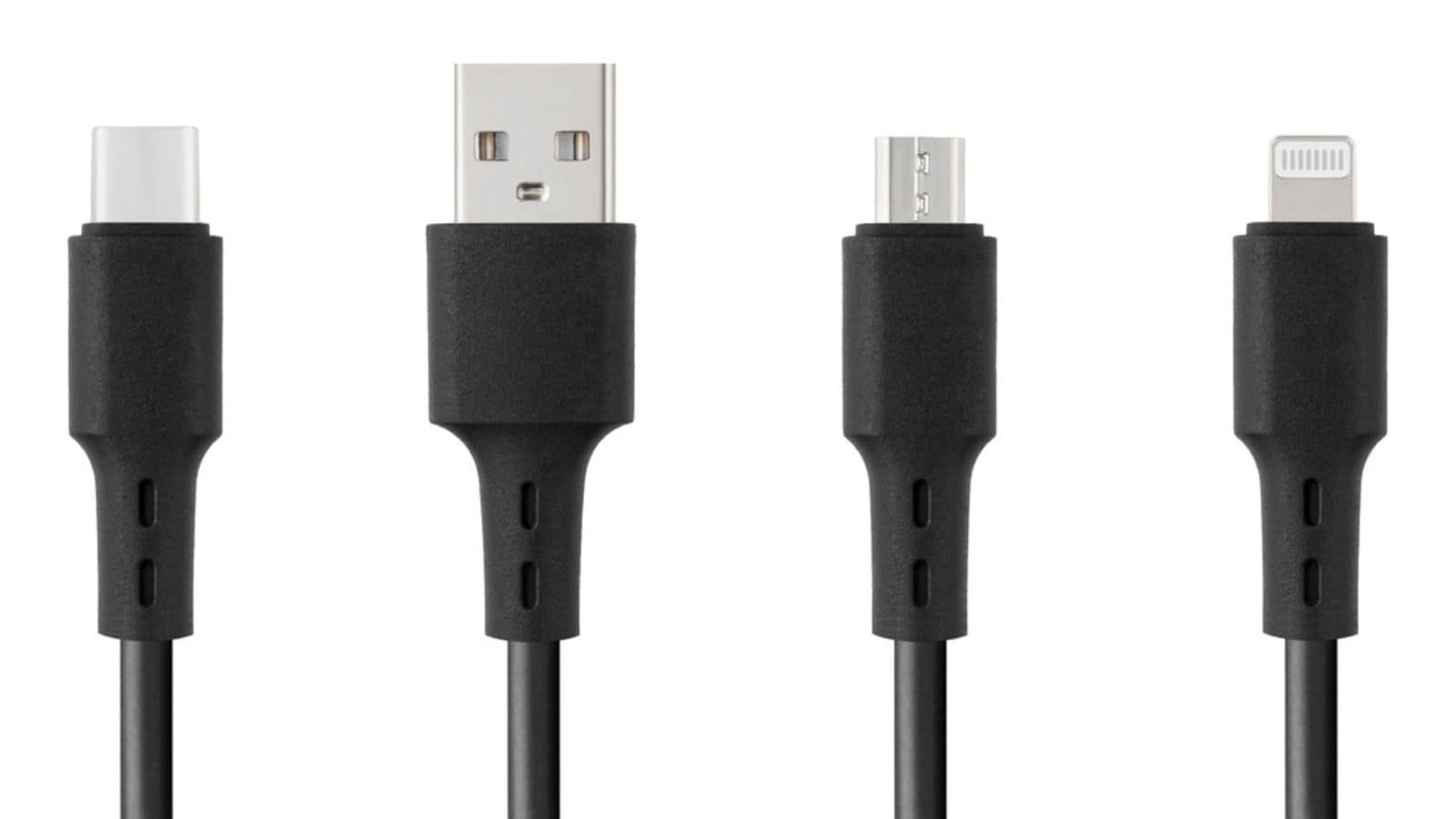
The dream of a universal cable is still a nightmare for many. While USB-C has made strides, some manufacturers still cling to proprietary barrel plugs or require expensive branded docks to connect a simple monitor.
Having to carry a bag full of adapters, colloquially known as dongle hell, is a logistical burden. The global mobile phone and PC accessories market is booming, partly because consumers are forced to buy connectors that used to be built into the machine.
When your PC requires a $70 adapter just to plug in a projector, you don’t feel like you’re using the future; you feel like you’re being nickel-and-dimed. This friction often leads users toward prosumer machines that respect standard connectivity.
Distracting and subpar trackpads

A jumpy, plastic, or unresponsive trackpad turns a powerful computer into a chore to use. If the cursor “jitters” or fails to register a click, the human-to-machine connection is broken. The “Precision Touchpad” standard was supposed to fix this, but hardware quality still varies wildly.
Forbes reviewers have noted that while premium machines (like the MacBook Air or Surface Laptop 7) have moved to haptic feedback, many Windows laptops in the $600–$900 range still rely on “diving board” mechanics. They describe these as having dead zones at the top 20% of the pad where the hinge is located, making it physically impossible to click without moving your finger to the bottom half.
Considering the trackpad is the primary way we interact with the OS, a bad one is like a car with a sticky steering wheel. It’s a constant, low-level irritation that eventually convinces the user that the hardware just isn’t refined enough for their needs.
Inconsistent webcam and microphone quality

The shift to remote work turned the laptop camera from a nice-to-have into a professional necessity. Yet, for years, many brands stuck with 720p sensors that make users look like they are filming from a basement in 2005.
In the State of Hybrid Work 2025 (UK and US editions), Owl Labs reported that 80% of workers experience lost time due to technical difficulties during online or hybrid meetings. On average, employees lose about 7 minutes just trying to get a meeting started. Grainy video and muffled microphones make a person look less professional, and when a $1,500 PC can’t outperform a $400 smartphone in a video call, the frustration is palpable.
Users are tired of having to buy external webcams to fix a problem that should have been solved at the factory. It’s a small detail that has become a major source of dissatisfaction in the post-2020 world.
Screen glare and poor brightness levels

A screen that functions as a mirror is useless in a well-lit office or near a window. Many “glossy” displays look great in a dark showroom but are impossible to use in reality.
Professional standards usually recommend a minimum brightness of 300 to 400 nits for comfortable indoor use, but many budget and mid-tier PCs ship with 250-nit screens.
When a user has to squint or hunch over to see their work because of poor screen luminance or reflections, it causes physical fatigue.
This ergonomic failure is often what finally pushes a user to trade in their device for something with a high-quality matte or high-nit display.
Unreliable “Sleep” modes
There is nothing quite like pulling a laptop out of your bag only to find it burning hot and the battery at 0% because it didn’t actually sleep. This issue, often linked to Modern Standby settings in certain operating systems, has become a notorious complaint in tech circles.
Linus Tech Tips identified that Microsoft’s S0 Low Power Idling (Modern Standby) has largely replaced the traditional S3 sleep state. Unlike S3, which cuts power to most components, S0 keeps the CPU partially active to run background tasks such as downloading updates or syncing emails.
If you can’t trust your computer to stay off when you close the lid, you can’t trust it for travel or work. This unpredictability is a major break-up point for users who value a device that just works.
Lack of biometric consistency
When these convenience features become inconveniences, the user feels the product is gimmicky rather than a serious tool.
Fingerprint readers that take 5 tries to work, or facial recognition that fails in low light, are worse than having no biometrics at all. The promise of “Windows Hello” or similar features is speed. However, when the hardware is cheap, the failure rate climbs.
Industry reports consolidated by Biometric Update indicate that, while users are generally open to biometrics, their tolerance for failures is remarkably thin. In high-traffic environments like workplace entry or smartphone unlocking, an FRR that forces a user to authenticate 3 or more times leads to a systemic drop in trust.
You bought the device for the cool, futuristic login, but you’re back to typing a password like it’s 1998.
Poor long-term driver support
A PC is a symphony of parts from different companies: Intel, Nvidia, and Realtek, and they all need drivers to talk to each other. When a manufacturer stops updating these drivers after only two years, the system starts to glitch.
You might experience Wi-Fi instability or the Blue Screen of Death after an OS update. In the 2026 tech landscape, closed hardware is increasingly viewed through the lens of vendor lock-in. When a manufacturer stops providing driver updates or firmware patches for a 5-year-old laptop, that device effectively becomes a brick, even if the screen, keyboard, and processor are in perfect working order.
If a three-year-old laptop starts failing because the company won’t release a simple driver patch, the user feels abandoned. This software abandonment is a major driver of people switching to ecosystems that support hardware for 5, 6, or even 7 years.
Key Takeaway

- People rarely abandon a PC over one major failure; it’s the accumulation of small, repeated frictions that gradually erode trust.
- Trust breaks when the device becomes unpredictable, especially during critical moments like updates, deadlines, or travel.
- Not all frustrations carry equal weight; reliability issues (updates, sleep failures, performance drops) are far more likely to trigger switching than minor annoyances.
- Gaps between expectation and reality: battery life, build quality, performance- accelerate dissatisfaction because they feel like broken promises.
- The true tipping point comes when managing the PC feels harder than the value it provides, making switching feel like relief rather than effort.
Like our content? Be sure to follow us